A demo. The real coach is in beta.
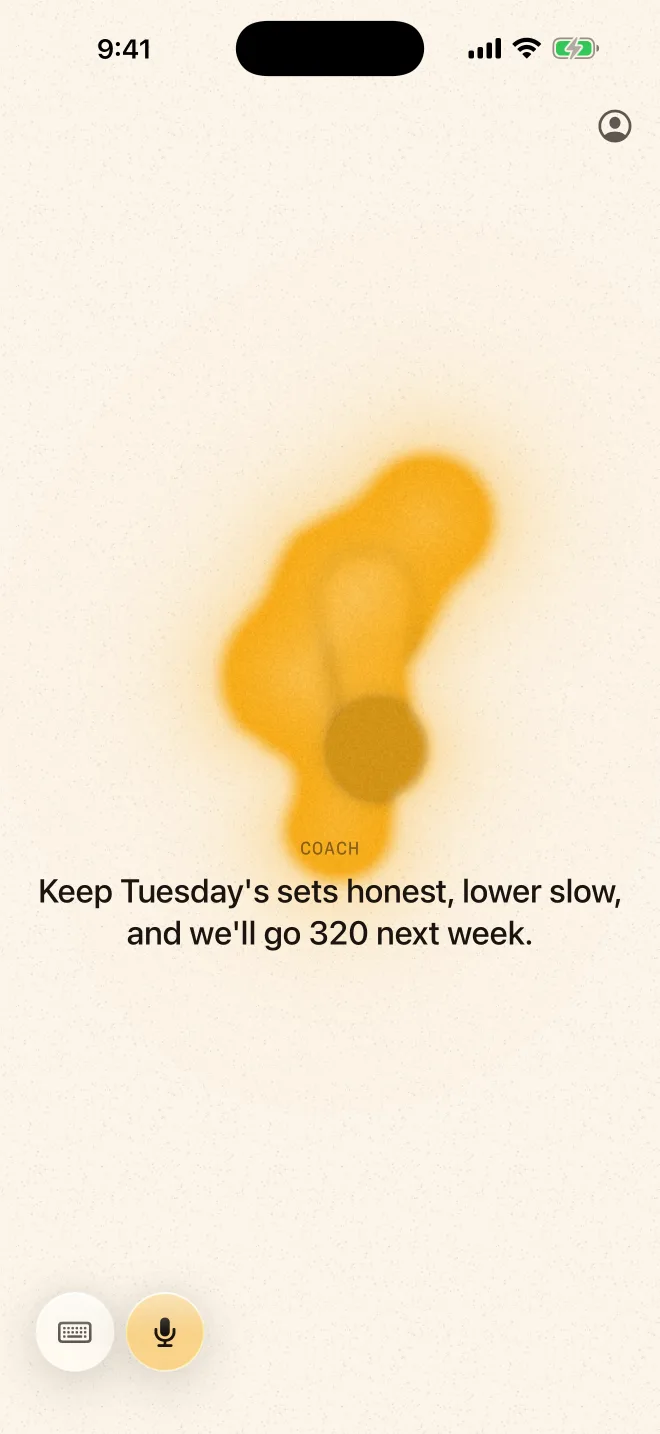
Put in your AirPods and MYO coaches you through the workout. Talk, tap or type to build a workout, move through it, or change it on the fly.
Where it started
April 2026. A simple workout list for my own lifting.
It worked, but it couldn’t answer a question, and it didn’t change when my week did.
Who it’s for
Most fitness apps are built for people who already know what they’re doing.
MYO is for everyone else: coming back after a break, a little nervous, not sure what’s normal. It explains why, remembers you, and never makes you feel stupid.
It looks calm on purpose. Warm paper, not neon.
You stay in charge
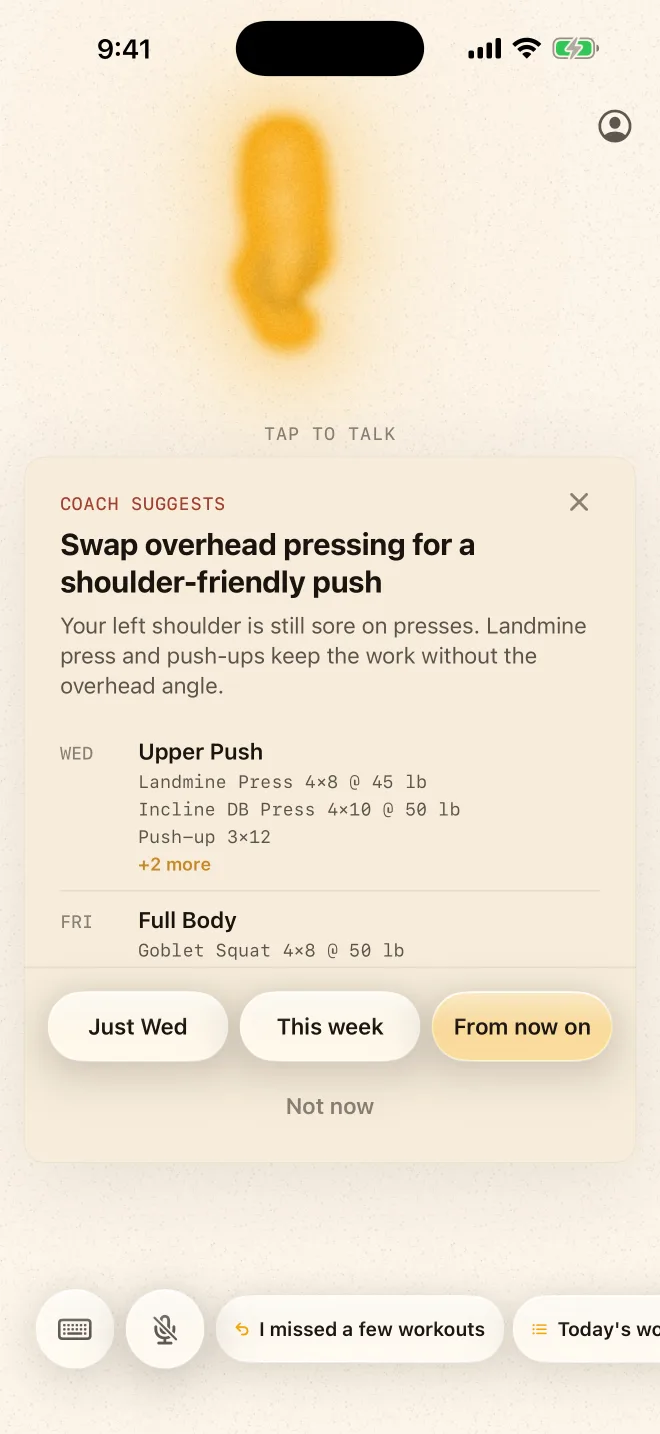
Ask for a change and it shows you one. You pick how long it lasts: just today, this week, or from now on.
Nothing changes until you say so.
Your left shoulder is still sore on presses.
Landmine Press 4×8 @ 45 lbPush-up 3×12Safe by default
If something hurts, it stops. Sharp pain ends the session and tells you to get it checked.
“Just stiff” gets a longer warm-up, and you keep going.
The look
Designed with my AI studio. Warm paper, ink, and one amber shape that listens and talks.
A coach in your ears
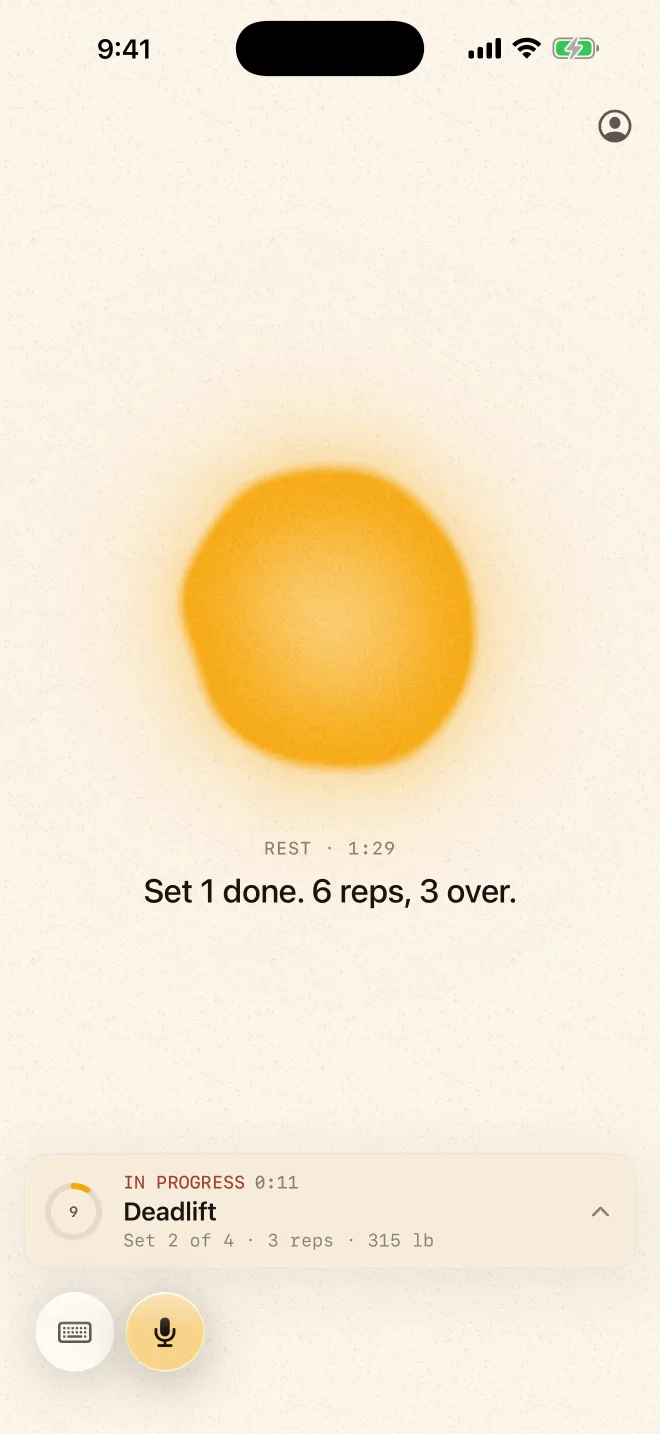
Pop in your AirPods and go. It calls the next set, counts with you, and starts your rest.
Talk, tap or type to swap an exercise, change the weight or skip ahead. No menus to dig through.
Next up: faster answers, so it feels like talking to a real coach.
Set 2 of 4 · 6 reps · 315 lbWhere it is
In beta. Still simplifying.
This page grows as MYO does.
The real screens